Protection for
your whole Mac.
Obex Desktop blocks pornography and optional distractions at the network level — quietly, across every browser and app. No extensions. No gaps.
Download for MacmacOS 15+ · Apple Silicon & Intel · Free forever
Features
Everything you need.
Nothing you don't.
Network-Level Blocking
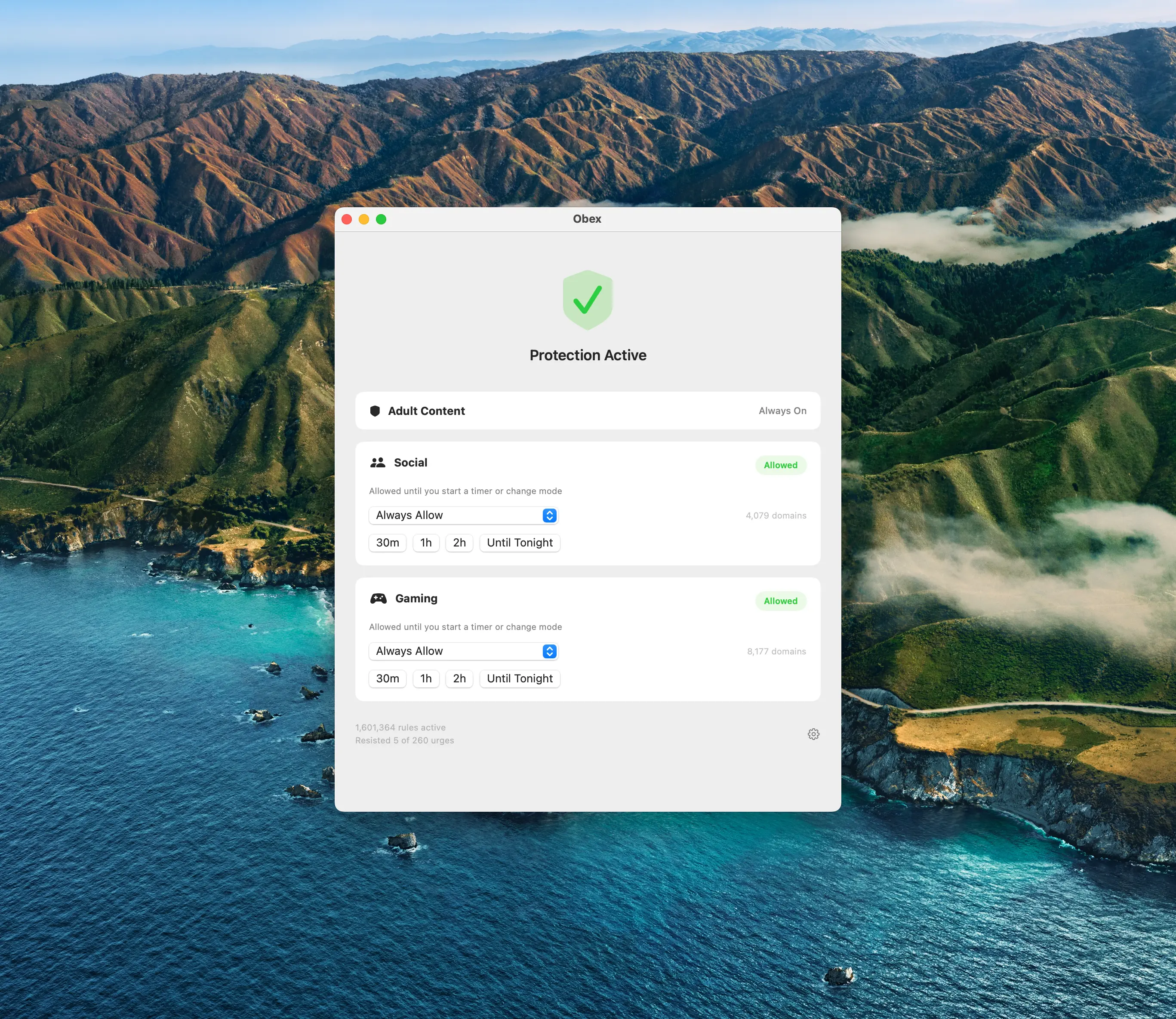
Blocks adult content at the network level — quietly, across every browser and app on your Mac. No extensions to install, no gaps to exploit.
Flexible Controls
Set time-based limits for social media and gaming — 30 minutes, 1 hour, or until tonight. Block categories permanently or take a controlled break.
Always-On Protection
Adult content blocking is always on — no toggle, no workaround. The categories you need blocked stay blocked, period.
Built for macOS
A native macOS app that lives in your menu bar. Lightweight, fast, and designed to feel right at home on your Mac.
Setup
Three screens.
That's it.
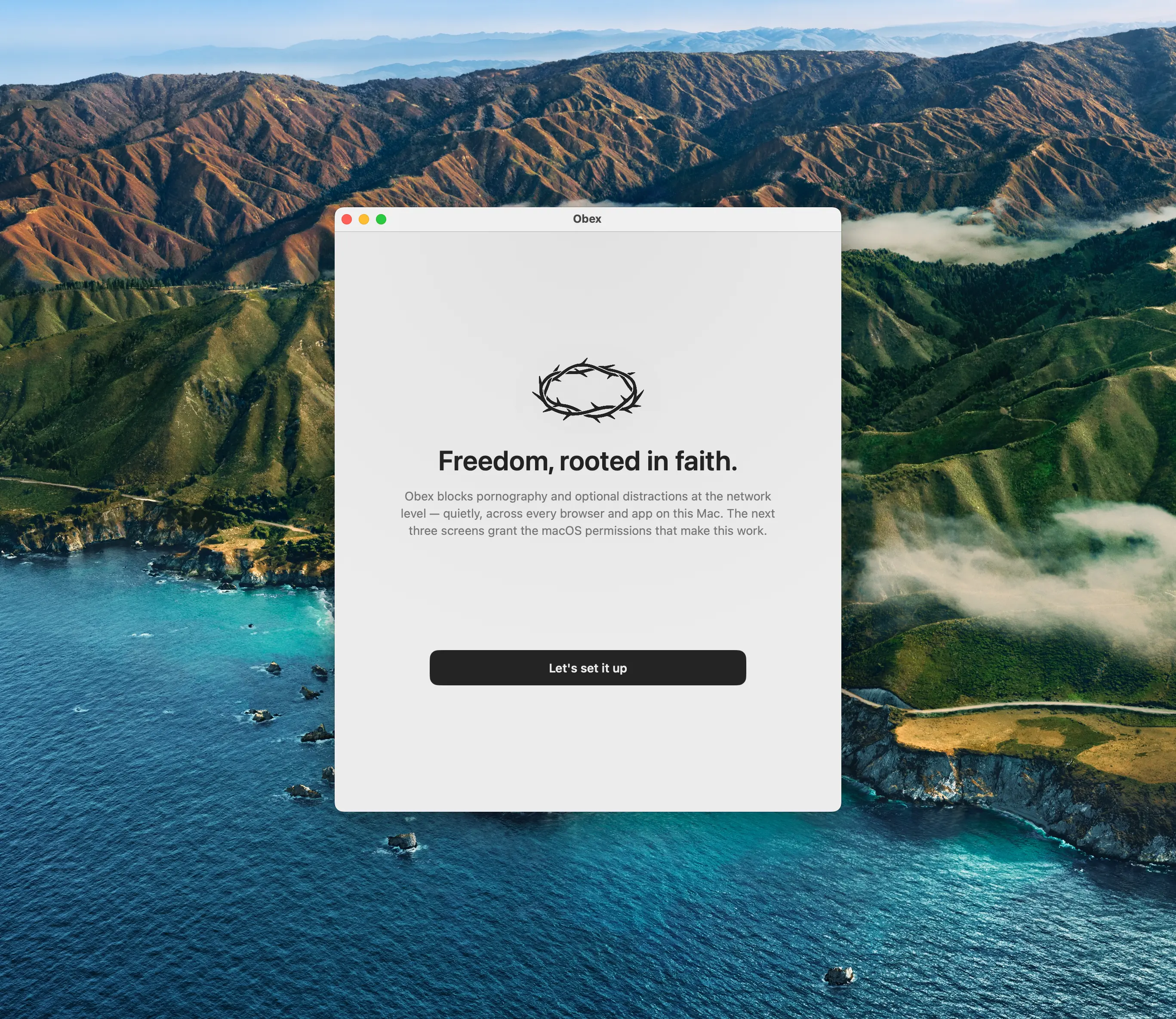
Download, grant the macOS permissions, and you're protected. The whole setup takes under a minute — no account required, no configuration needed.
Download & open
Drag Obex to your Applications folder.
Grant permissions
Allow the network extension macOS needs to filter content.
You're protected
Obex runs silently in your menu bar. Set it and forget it.
Free. No strings.
Obex Desktop is completely free — no accounts, no subscriptions, no catch. Just protection.
Download for MacAlso available on iOS. Android coming soon.