Top 10 Apps to Limit Phone Use: A 2026 Guide
Looking for apps to limit phone use? Our 2026 guide reviews the top 10 tools for focus, blocking, and recovery. Find the right app for your goals.


Obex
Obex Team
You pick up your phone to check one quick thing. Then you answer a text, open Instagram, tap YouTube, and somehow lose the next stretch of your day. This is a common experience. The hard part isn’t knowing your phone is distracting. It’s stopping the loop when your attention is already slipping.
That’s why apps to limit phone use can help. They add structure when your willpower is low. Some use timers. Some use hard blocks. Some add friction right when you’re about to open the app you always regret opening. And some go further, with accountability and recovery support for people dealing with compulsive behavior, including porn use.
Built-in tools have become standard on major phones. Android includes Digital Wellbeing features such as app timers, Focus mode, usage charts, and, on supported devices, a PIN for app limits, as shown in Google’s Digital Wellbeing documentation. Features vary by device. That matters because people aren’t just looking for niche hacks anymore. They want practical limits that fit daily life.
This guide moves fast. It focuses on what each app does well, where it falls short, and who should use it. We evaluated platform coverage, strength of blocking, ease of bypass, scheduling, accountability features, public pricing clarity, and the type of behavior each tool is built to address. Obex is our product, so its placement is not an independent editorial endorsement; the trade-offs and alternatives are included so you can choose based on your actual need.
If you’re trying to reduce mindless scrolling, a simple timer may be enough. If you’re trying to stop a high-risk habit, you’ll usually need more than a blocker. You’ll need friction, structure, and another person in the loop.
Table of Contents
- 1. Obex
- 2. Apple Screen Time
- 3. Google Digital Wellbeing
- 4. Opal
- 5. one sec
- 6. Freedom
- 7. AppBlock
- 8. Stay Focused (INNOXAPPS)
- 9. Forest
- 10. Unpluq
- Top 10 Phone-Limiting Apps Comparison
- Your Next Step to Digital Freedom
1. Obex
Late at night is where a lot of phone-limiting plans fail. The block is on, motivation is gone, and the actual problem is not screen time in general. It is one specific behavior, one familiar trigger, and about five minutes where you need help fast. Obex is built for that kind of problem.
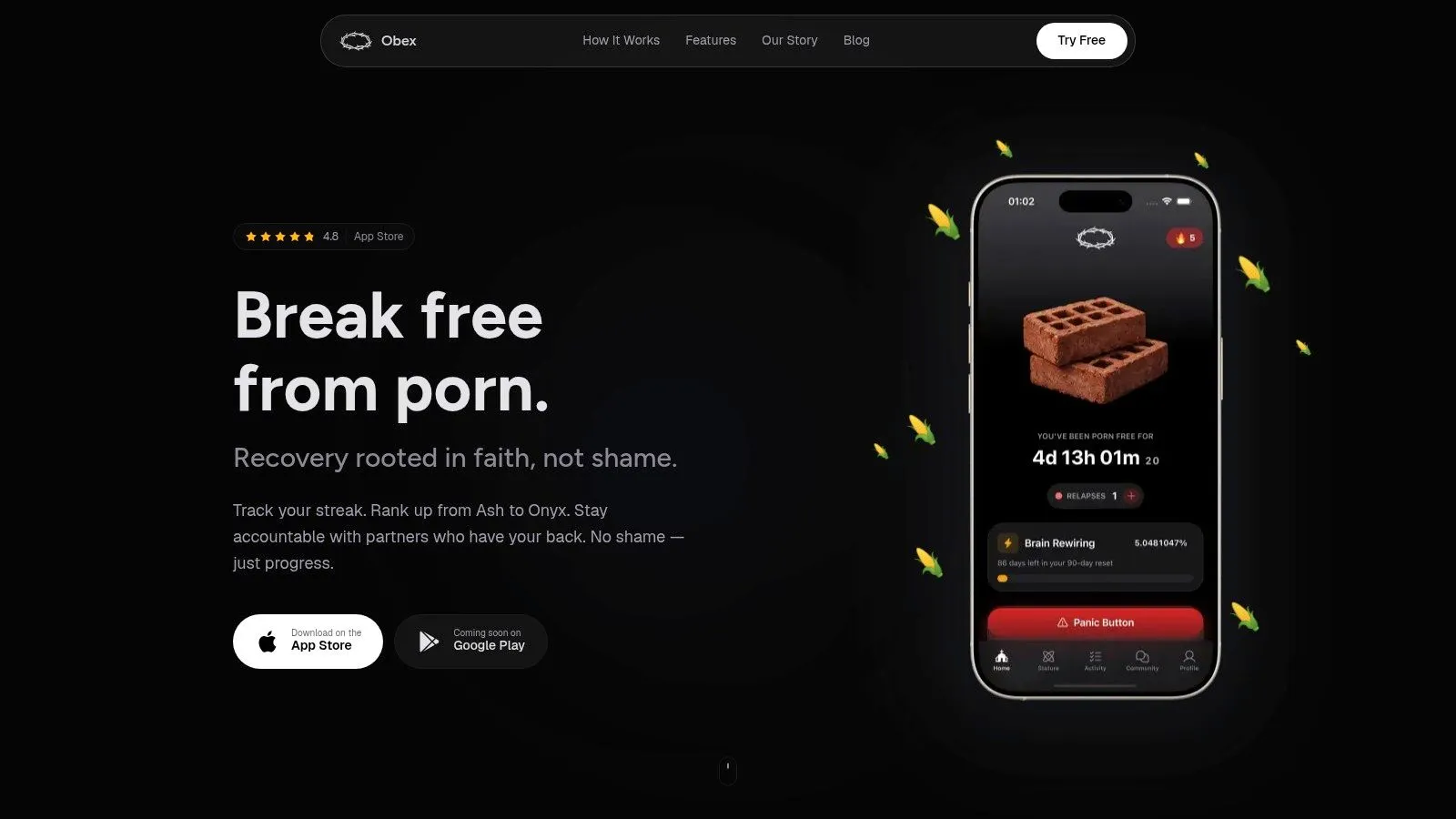
Unlike broad screen-time tools, Obex focuses on porn recovery, compulsive use, and the accountability side of behavior change. That changes how you use it. You are not only setting limits. You are building a recovery system with streak tracking, a progress path from Ash to Onyx, accountability partners, and Panic Mode for high-risk moments.
That combination matters in practice. Timers and app locks can reduce access, but recovery usually breaks down around urges, isolation, and rationalization. Obex gives you something to do in the moment and someone to answer to after the moment passes. If you want a broader view of what that kind of system looks like, their guide to porn addiction recovery strategies that go beyond blockers is a useful starting point.
Why Obex stands out
Obex fits people who need structure around a specific struggle. I would put it high on the list for porn recovery, for someone working with an accountability partner, or for anyone who has learned that generic app limits do not hold up under stress.
A few features do the heavy lifting:
- Panic Mode: Fast intervention for the minutes when a slip feels close.
- Progress system: Clear milestones help maintain momentum after the initial burst of motivation fades.
- Accountability partners: Recovery gets easier when another person can see patterns, check in, and respond.
- macOS support: Useful if the problem does not stay on your phone and shifts to a laptop.
Here is the trade-off. Obex is more specialized than the other tools in this article. If your main issue is losing an hour to Instagram or YouTube, Apple Screen Time, Opal, or one sec may be simpler. If your goal is porn recovery, simplicity is usually not enough. You need blocking, interruption, accountability, and a reason to keep going after a bad day.
My practical advice is to use Obex as the recovery layer, then pair it with device-level controls where needed. That is the strategic advantage here. Obex handles urges, habits, and accountability. Built-in controls or a stricter blocker can handle app access and scheduling on the devices Obex does not fully cover.
Public pricing and platform details are not as clear as I would like from the public pages. macOS support is clear, but Windows users may need a second desktop blocker. For the right user, that is still a fair trade. Obex is one of the few options on this list built around the reality that some phone habits are not productivity problems. They are recovery problems.
2. Apple Screen Time
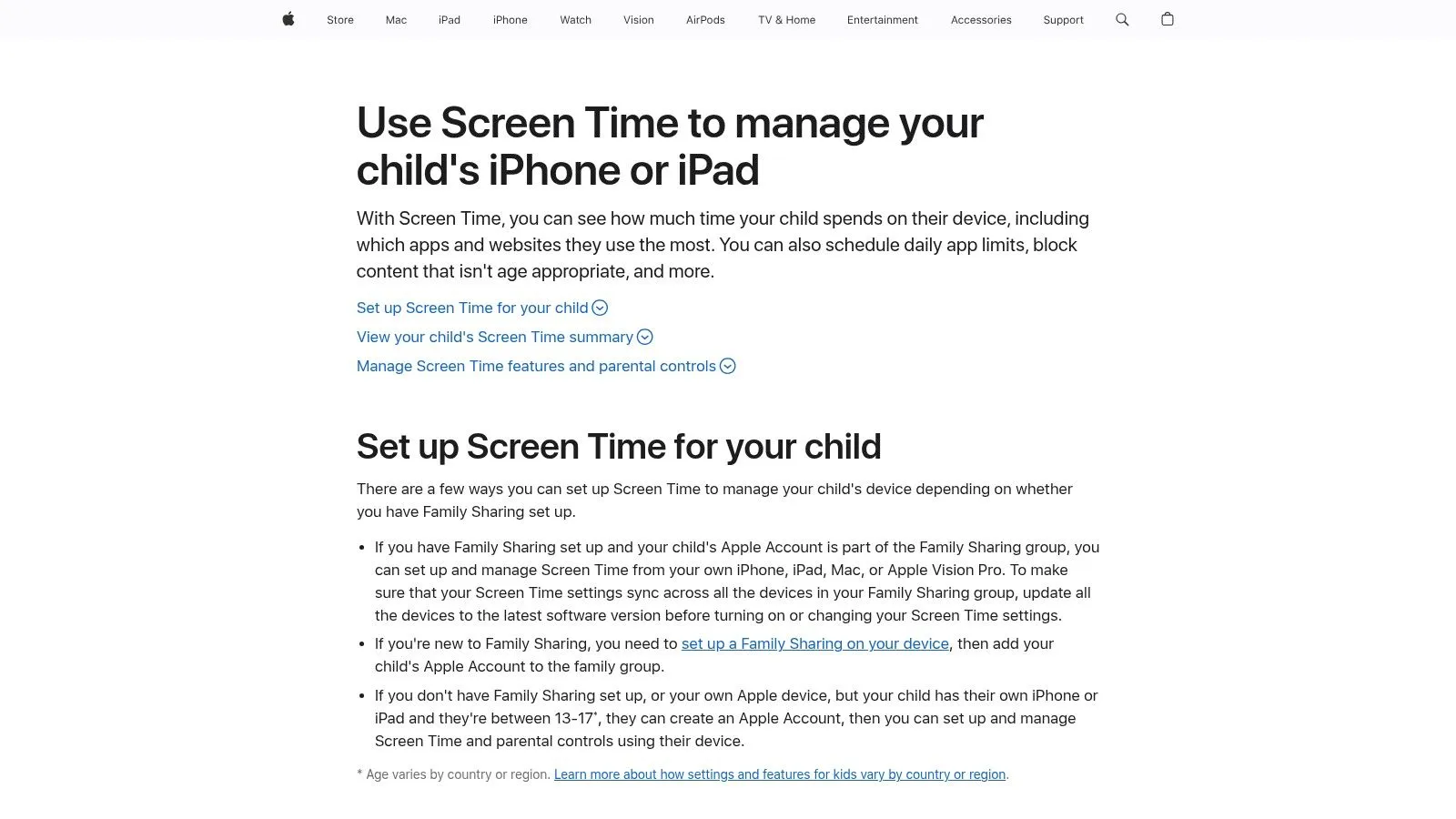
You set a limit on Instagram at night, then open the same habits on your iPad ten minutes later. That is the problem Apple Screen Time solves better than many third-party apps. If you live inside the Apple ecosystem, it gives you one native control layer across iPhone, iPad, and Mac.
That matters more than fancy design. A blocker that only works on one device is easy to outmaneuver. Screen Time is useful because it sits at the operating-system level and covers the places people usually drift when they are tired, bored, or avoiding work.
Its best role is straightforward. Use it as your default control system for Apple devices, then decide whether you need a stricter second layer.
Useful features include:
- App limits: Solid for social media, games, streaming apps, and other repeat distractions.
- Downtime: Good for evening shutdown, school hours, or work blocks.
- Content and privacy restrictions: Helpful if you need to reduce access to adult content or lock down settings changes.
- Family sharing controls: Useful when a spouse or parent is involved in oversight.
- Cross-device sync: A practical advantage if your habits jump between phone, tablet, and laptop.
The trade-off is simple. Screen Time is good at limits, schedules, and restrictions. It is weaker at the moments that break recovery plans. If someone is trying to cut casual scrolling, that may be enough. If someone is working through compulsive porn use, relapse often happens in a short window where friction, support, and accountability matter more than another timer.
That is why I treat Screen Time as infrastructure, not the whole plan. For recovery-focused setups, pair it with accountability and a tool built for urges and behavior patterns. If that is your goal, this guide to porn addiction recovery strategies that go beyond simple blocking is the more relevant next step.
My practical advice is to keep the setup strict but realistic. Start with Downtime, add app limits for your worst offenders, and use content restrictions if sexual content is part of the problem. Then have another person set or hold the Screen Time passcode if you know you disable controls when cravings spike.
Apple Screen Time is one of the better built-in options on this list. It is free, native, and worth turning on first. Just be honest about the ceiling. It works best as a foundation.
3. Google Digital Wellbeing
You pick up your Android phone to check one message. Fifteen minutes later, you are still bouncing between YouTube, Chrome, and Instagram. Google Digital Wellbeing is built for that exact pattern. It gives Android users a fast way to see where time goes and put basic limits in place without installing anything else.
I usually recommend it as the first layer, not the full system.
That distinction matters. Digital Wellbeing is good at awareness and routine control. It helps with app timers, Focus Mode, Bedtime Mode, and daily visibility into your habits. If your goal is general distraction reduction, that may be enough for a while. If your goal is something harder, especially porn recovery or repeated late-night relapses, the built-in tools often need backup.
Best for Android users who need a starting point
Digital Wellbeing works best for people who want to reduce compulsive checking, clean up work hours, or stop bedtime scrolling. It is built into many Android phones, so setup is quick and there is less friction than adding a separate blocker on day one.
The features that matter most are practical:
- App timers: Useful for apps you open automatically and regret later.
- Focus Mode: Good for shutting off the usual distractions during work, study, or family time.
- Bedtime Mode: Greyscale and notification reduction can make nighttime use less rewarding.
- Usage dashboard: Helpful if you underestimate how much time goes to one or two apps.
The trade-off is enforcement. On Android, feature availability can vary by phone maker and software version. Digital Wellbeing is still your own rule set on your own device. People who remove limits the moment an urge hits can usually find ways around it.
That is why I would not rely on it alone for high-stakes behavior change. For someone trying to cut casual scrolling, it is a solid free option. For someone trying to break a porn habit, I would treat Digital Wellbeing as the base layer, then add a stricter blocker or accountability system such as Obex. That combination covers more of the problem. Digital Wellbeing handles time and attention. Accountability handles secrecy, urges, and the moments when self-control drops.
Used that way, Google Digital Wellbeing earns its place on this list. Start here if you use Android. Then be honest about whether you need awareness, stronger friction, or another person in the loop.
4. Opal
Opal is for people who know they’ll ignore gentle reminders. It leans hard into focus sessions, time limits, and stronger lock options, especially on Apple devices.
I like Opal most for work-focused users who want clear rules. You can set sessions, cap how long an app stays open, and use limited overrides like Emergency Pass. That setup is more serious than a simple daily timer.
Strict blocks for people who need them
Opal’s appeal is control. It combines native Apple controls with its own blocking approach, and it adds reporting that gives users a clearer sense of how well they’re sticking to the plan.
Its feature mix is good for:
- Structured focus sessions: Strong for workdays and study blocks.
- Quota-based use: Better than open-ended access if you spiral once inside an app.
- Limited overrides: Helpful when you need some flexibility without making quitting too easy.
- Mac and iPhone users: Especially useful if your distraction loop hits on both.
The downside is that Apple still sets some boundaries. Custom domain control on iOS can be less precise than people expect, and some iOS-specific quirks can show up after system updates.
Opal is a good fit if your main problem is attention fragmentation. It’s less ideal if your main need is recovery support, community, or accountability. For that, you’ll want to pair it with something outside the app itself. You can review current features on Opal.
5. one sec
one sec takes a different path. It doesn’t start by slamming the door shut. It interrupts the moment before you walk through it.
That sounds small, but this style matters. A 2023 systematic review of phone-use reduction apps found that only 4 of the 13 apps reviewed had evidence of effectively reducing phone use, and the stronger tools often combined restriction with behavior-change features like self-tracking, goal setting, grayscale mode, and app limits, according to the systematic review in PMC. one sec fits that broader logic better than many simple blockers do.
Best for interrupting autopilot
one sec shines when the problem is reflexive opening. You tap Instagram, TikTok, Reddit, or a browser tab before you even notice you made the choice. The app inserts a pause, often with a breathing step or short intervention, before the app opens.
That makes it useful for:
- Compulsive checking: When you keep opening the same app every few minutes.
- Urge surfing: When you need a beat to choose differently.
- Pairing with hard limits: It works well beside Screen Time or Digital Wellbeing.
- People who resist strict lockouts: Softer friction can feel more sustainable.
A lot of phone use isn’t planned. It’s muscle memory. Tools like one sec help at the exact point where muscle memory takes over.
The weakness is obvious. If you need airtight blocking, this isn’t it. It’s a behavior nudge, not a vault door. But that’s also why it works for users who uninstall harsh blockers after two days. See the current setup options on one sec.
6. Freedom
Freedom has been around long enough to earn trust as a serious cross-device blocker. If your phone isn’t the only issue, and your laptop keeps pulling you off track too, Freedom starts to make more sense than single-device apps.
Its big advantage is consistency. You can run sessions across iPhone, Android, Windows, macOS, ChromeOS, and Linux. That matters because people rarely get distracted on just one screen.
Best for cross-device consistency
Freedom is strongest when your day has clear rhythms. Work block from 9 to 11. No social apps after dinner. No news sites during writing time. It handles that kind of repeatable structure well.
What stands out:
- Recurring schedules: Good for habits you want automated.
- Locked Mode: Better for people who tend to bargain with themselves.
- Website and app blocking: Useful when distractions move between devices.
- Wide platform support: One of the broadest setups in this category.
For users trying to reduce temptation, it also helps to combine blocking windows with a plan for what to do when the urge to bypass hits. That’s where practical support around how to overcome temptation can matter more than adding yet another rule.
Freedom’s trade-off is that the best features sit behind Premium, and iOS still has platform limits compared with desktop systems. But if your real problem is that every device becomes a distraction portal, Freedom is one of the cleaner solutions. You can explore it at Freedom.
7. AppBlock
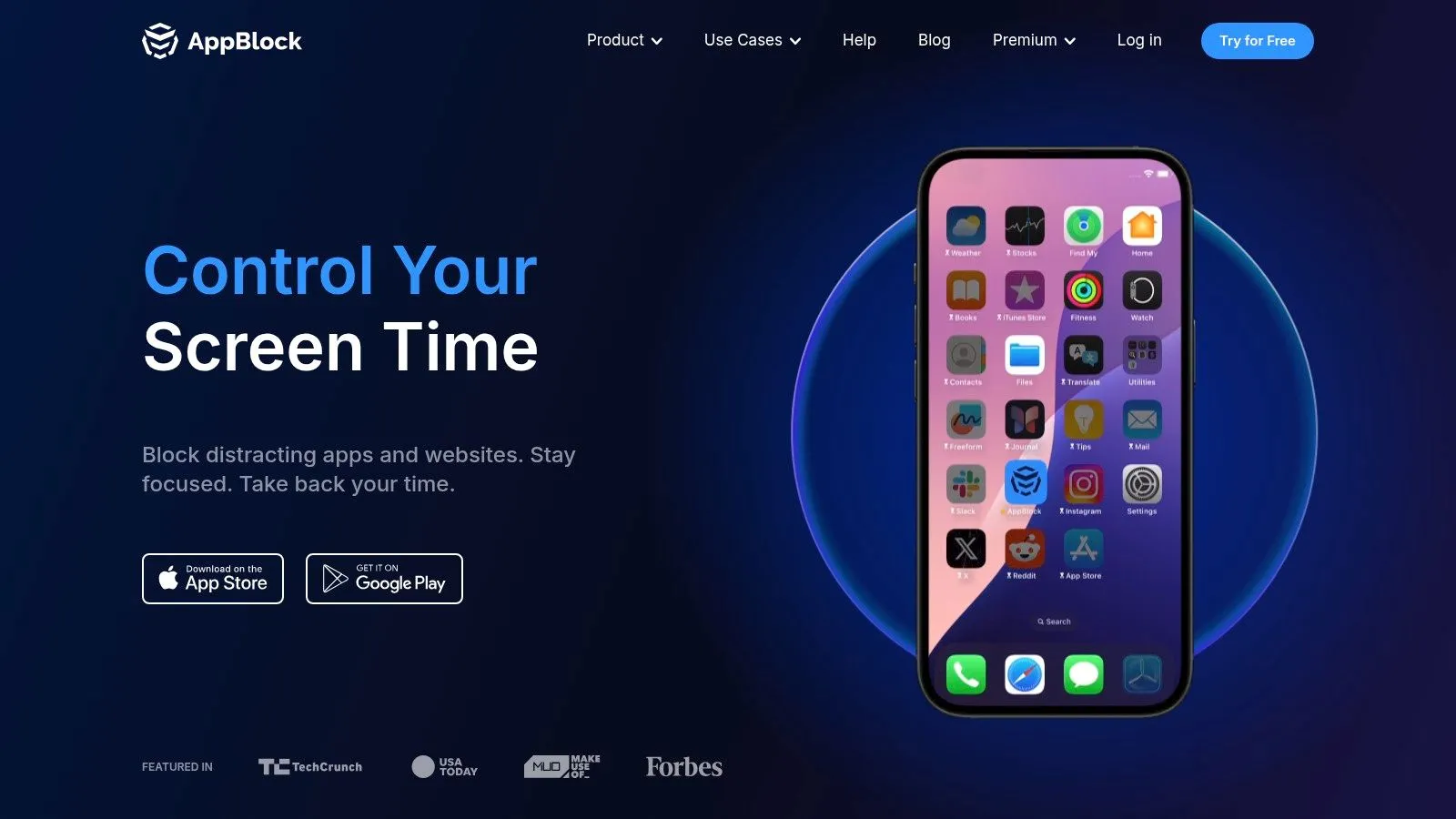
AppBlock is practical. It doesn’t try to feel inspirational. It gives you profiles, schedules, limits, and stricter modes that are easy to shape around your day.
That makes it a strong option for people whose phone use changes by context. Work hours are one problem. Evenings are another. Weekends may need a totally different rule set.
Flexible routines beat one big rule
AppBlock’s profile system is what makes it useful. Instead of creating one giant all-day block, you can set rules based on time, place, or usage. That usually works better in real life.
A few strong use cases:
- Workday profiles: Block social and shopping apps while keeping messaging open.
- Evening shutdown rules: Mute notifications and lock the usual time-wasters.
- Location-based limits: Useful if certain environments trigger distraction.
- Strict Mode: Helpful if you tend to disable limits the moment you feel bored.
This app is a good fit for people who need structure but don’t want a full accountability ecosystem. It handles routine-based behavior well. It doesn’t do much hand-holding beyond that.
The main drawback is that advanced features require Premium. Some users also dislike changes in pricing models over time, so it’s worth checking current terms before you commit. The product itself is still solid for building day-by-day boundaries. You can review it on AppBlock.
8. Stay Focused (INNOXAPPS)
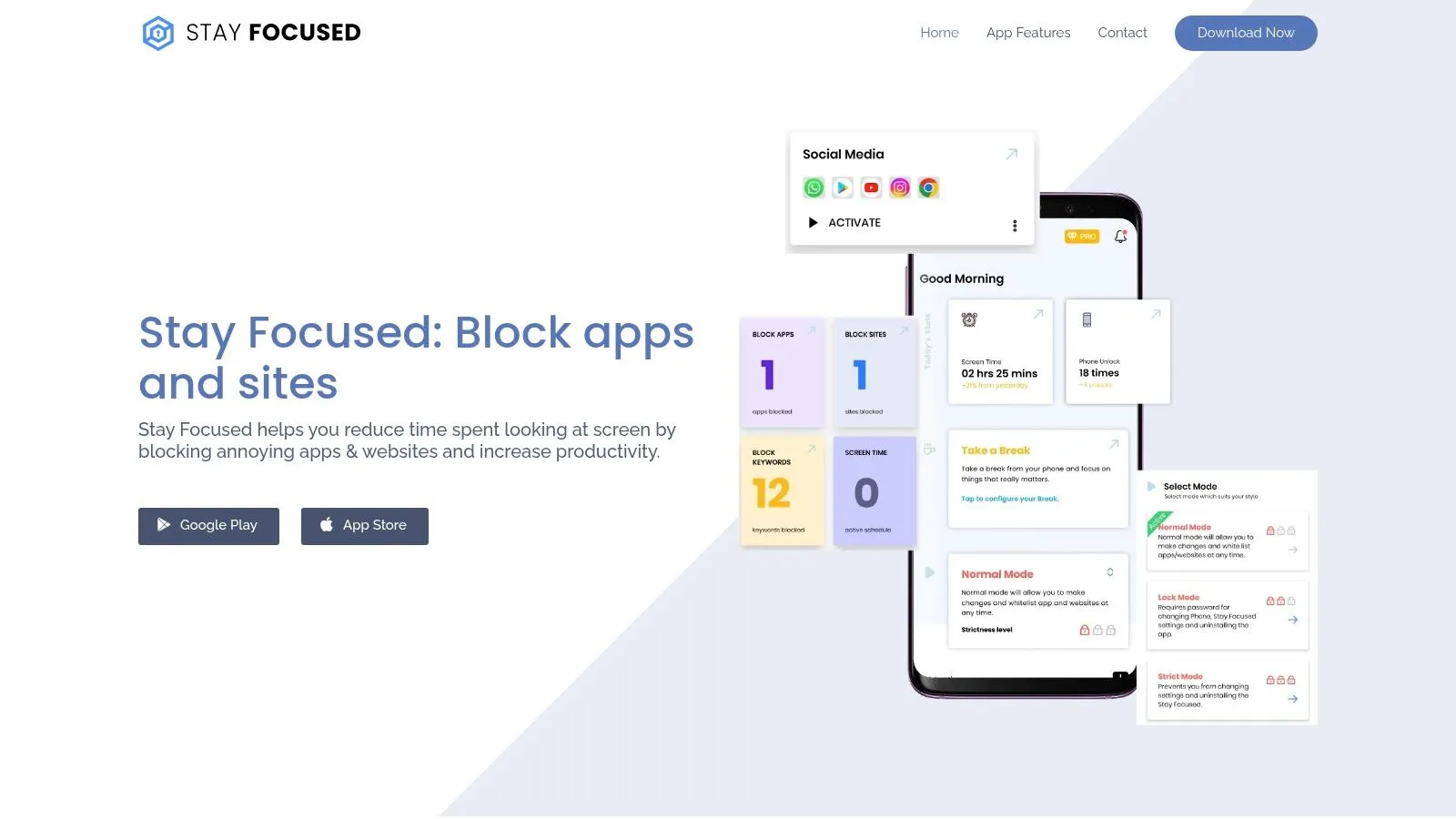
Some Android users want more than a timer and a gentle nudge. Stay Focused is built for that crowd. It leans into strict controls, anti-tamper options, and deeper Android-specific management.
If you’ve already tried lighter tools and kept overriding them, this app deserves a look.
For Android users who want tougher controls
Stay Focused stands out because it combines app and website limits with stricter lock features. It also adds options like Shorts or Reels blocking and adult-content filters, which can matter for users trying to stop both general distraction and sexual triggers on the same device.
Useful strengths include:
- Strict Mode and password protection: Better for users who bypass limits fast.
- App and website blocking: Important when the same habit moves from app to browser.
- Adult-content controls: Helpful for people trying to reduce exposure.
- Detailed analytics: Good if you stay motivated by seeing patterns over time.
The right app depends on what you do after the first urge. If you usually negotiate with yourself, choose stronger anti-bypass controls.
The trade-off is that many advanced features require Premium. There are also community complaints about licensing changes, so check current support terms before you assume an older purchase still covers everything.
For Android users who want a tougher setup than native tools provide, Stay Focused is one of the more serious options.
9. Forest
Forest takes the opposite approach from punishment-heavy blockers. It makes focus feel rewarding.
You plant a virtual tree when you start a session. If you leave early, the tree withers. That simple mechanic works better than many people expect because it turns “don’t touch your phone” into a visible commitment.
Motivation over punishment
Forest is best for people who want consistency, not maximum restriction. It’s especially good for study sessions, reading, writing, and any block of time where you mainly need to stop the “just one quick check” reflex.
What it does well:
- Simple focus sessions: Easy to start and repeat every day.
- Visual progress: Seeing your garden grow makes the habit feel real.
- Social features: Friends and challenges can add light accountability.
- Low friction: It doesn’t feel heavy or punishing.
There’s some research context worth keeping in mind. The earlier systematic review found weaker evidence for Forest than for the strongest performers in that review, which is a helpful reminder that motivation tools can support behavior without always being enough on their own. In practice, that matches what many users experience.
Forest is great for building a focus habit. It’s weaker for high-risk compulsive use, severe procrastination, or anything that needs strict anti-bypass controls. If that’s your issue, pair it with stronger limits. You can see the app at Forest.
10. Unpluq
Unpluq is one of the more interesting tools in this space because it adds friction outside the screen. Instead of just showing a warning, it can require a task or physical action, such as using an NFC tag, to access blocked apps.
That makes it appealing for people who need a barrier that feels harder to brush aside.
Physical friction can work surprisingly well
Unpluq fits a useful broader idea: friction can sometimes work better than a brick wall. A pause, physical tag, or extra step interrupts automatic behavior without making the whole phone unusable.
Here’s where it makes sense:
- Impulse-driven use: Good when your habit is fast and automatic.
- Physical interruption: The NFC tag changes the feel of accessing the phone.
- Family or shared rules: Useful if more than one person is involved.
- Pairing with native controls: Works best as part of a stack.
The downside is that the best experience often requires a subscription, and the NFC tag is an extra purchase. On iOS, blocking depth still follows Apple’s platform constraints.
For users who keep slipping past soft reminders but don’t do well with total lockouts, Unpluq is one of the smarter options.
Top 10 Phone-Limiting Apps Comparison
| Product | Core features | Experience ★ | Value/Price 💰 | Target audience 👥 | Unique selling points ✨ |
|---|---|---|---|---|---|
| Obex 🏆 | Streaks and gamified Ash→Onyx progression, accountability partners, Panic Mode, native macOS blocker | Recovery-first | Plans listed on Obex | People quitting porn, accountability partners, faith-informed users | Panic Mode for urges, identity progression, macOS content blocker |
| Apple Screen Time | App/category limits, Downtime, content restrictions, Family controls | 3★ (native & reliable) | 💰 Free on Apple devices | 👥 iPhone/iPad/Mac users wanting built‑in limits | ✨ System‑level blocking, cross‑device via Apple ID |
| Google Digital Wellbeing | App timers, Focus Mode, Bedtime Mode, usage dashboards, Family Link | 3★ (integrated Android) | 💰 Free on many Android devices | 👥 Android users seeking basic screen‑time control | ✨ Usage insights + Bedtime Mode nudges |
| Opal | Sessions, Time Limits, Emergency Pass, Focus Score, iOS & Mac support | 4★ (strong locks + analytics) | 💰 Freemium → subscription for advanced | 👥 Users wanting strict blocks with reporting | ✨ Locked sessions, Focus Score, cross‑device sync |
| one sec | Pre‑open interventions (pause/breathing), scheduling, cross‑platform | 3★ (nudge‑driven) | 💰 Freemium (Pro features paid) | 👥 Users preferring behavioral nudges over hard locks | ✨ Intentional pause to disrupt autopilot opens |
| Freedom | Multi‑device sessions, recurring schedules, Locked Mode, broad OS support | 4★ (reliable cross‑device blocking) | 💰 Paid subscription (Premium) | 👥 Users needing consistent blocking across phone & desktop | ✨ Locked Mode + wide platform coverage |
| AppBlock | Profiles & schedules, Strict Mode, location rules, Quiet Hours | 3★ (flexible rule sets) | 💰 Freemium → Premium for advanced features | 👥 Users who want time/place‑based rules | ✨ Profile‑based automation with strict anti‑bypass |
| Stay Focused (INNOXAPPS) | App/site blocking, Strict Mode, Shorts/Reels & adult filters, analytics | 3★ (robust Android controls) | 💰 Freemium → subscription for full features | 👥 Android users needing anti‑tamper & adult filters | ✨ Deep Android strict modes + content filters |
| Forest | Gamified focus timer, visual garden, social challenges, sync | 3★ (motivating habit builder) | 💰 Paid app / subscription tiers | 👥 Habit builders who respond to gamification | ✨ Visual garden, social challenges, real‑tree partnerships |
| Unpluq | Task/NFC unlocks, blocklists & schedules, family features | 3★ (physical friction model) | 💰 Paid app + optional NFC tag purchase | 👥 Users who benefit from tangible unlock barriers | ✨ Physical/task‑based friction (NFC tag) to deter impulsive use |
Your Next Step to Digital Freedom
The best apps to limit phone use don’t all solve the same problem. That’s the mistake people make when they install one app, use it for a week, and decide nothing works. The right tool depends on what disrupts your attention.
If your problem is casual overuse, start with the built-in tools. Apple Screen Time and Google Digital Wellbeing are good first layers. They’re easy to turn on, they cover the basics, and they help you see where your time goes. For plenty of users, that’s enough to bring mindless scrolling back under control.
If your problem is stronger than that, use layers. Put a native limit in place. Add a stricter blocker like Freedom, Opal, AppBlock, or Stay Focused. Then add friction with something like one sec or Unpluq. That stack works better because each layer catches a different moment. One sets the boundary. Another makes the bad habit harder. Another interrupts autopilot before you fully slide in.
That layered approach matters even more for porn recovery. Compulsive sexual behavior usually doesn’t respond well to a single app limit. People often need a system that covers exposure, urge moments, accountability, motivation, and what happens after a slip. That’s why a recovery-first tool like Obex stands out. It combines blocking support, habit-building, streak tracking, a progress path, accountability partners, and Panic Mode for moments when temptation hits fast.
This is also where many reviews fall short. They compare features as if every user has the same goal. But “I want less Instagram” is different from “I keep relapsing late at night and I need help stopping.” One problem needs screen-time hygiene. The other needs recovery structure.
Start small, but start sincerely. Ask yourself which of these sounds most like you:
- I waste time without meaning to: Start with Screen Time, Digital Wellbeing, or one sec.
- I always override my limits: Try Opal, AppBlock, Freedom, or Stay Focused.
- I need a tangible barrier: Look at Unpluq.
- I stay motivated by streaks and progress: Forest can help.
- I’m trying to quit porn or stop compulsive behavior: Use a recovery-focused setup like Obex, ideally with accountability.
You don’t need a perfect setup on day one. You need one boundary that stays in place tomorrow. Pick the app that matches your real problem, not the app with the longest feature list. Then build from there.
If explicit content is the problem, start with the device-level steps in how to block porn on a computer, then compare the filtering and accountability tradeoffs in Canopy vs Covenant Eyes.
If phone use is tied to porn, relapse, or compulsive habits, a general blocker usually won’t be enough. Obex gives you a recovery-focused system with streak tracking, accountability partners, Panic Mode, and structured support that goes beyond simple screen-time limits.