Covenant Eyes Alternatives: Apps That Work for Porn Accountability
Too pricey, or not sure about the screenshots? Five Covenant Eyes alternatives, what each one does instead, what it costs, and how to combine them.

Obex
Obex Team
Maybe the reports keep piling up unread, or $18 a month is starting to bug you, or you just don’t love the idea of pictures of your screen going to someone else, even blurry ones. That’s all pretty normal, and it doesn’t mean accountability won’t work for you. You might just need a different tool.
So here are five Covenant Eyes alternatives, sorted by the reason you’re looking: you want accountability without screenshots, you want blocking first, you want something cheap, you’re shopping for your kids, or you want help with the urges themselves. If you’re still deciding whether Covenant Eyes is worth it in the first place, the Covenant Eyes review covers what it does today.
Full disclosure: Obex is one of the five, and it’s our app, so we’re not neutral. Everything about the other four comes from their own websites and app store listings, as of October 2026. Prices change, so check again at checkout.
For reference, Covenant Eyes’ service, Victory, takes a blurred screenshot at least once a minute, sends it to your ally’s feed with an alert for anything explicit, and blocks explicit websites if you turn that on, for $18 a month or $198 a year on its website (Covenant Eyes).
Accountable2You, if it’s the screenshots that bother you
Accountable2You is the closest thing to Covenant Eyes without the pictures. It reports what you do on your devices to the partners you choose, and it doesn’t take screenshots at all. The company says that’s on purpose, so your partner never has to look at graphic images (Accountable2You plans and FAQ).
Your partner gets a timeline instead: every website you visit with its full page title, private and incognito browsing included, which apps you used, and when the device was active, color-coded green, yellow or red. They can get an instant alert for the worst stuff, an email within the hour for anything questionable, and a daily or weekly summary (features). You can add as many partners as you like and give different devices different partners, say your wife for the laptop and a friend for your phone. It won’t stop you from uninstalling it, but your partner hears about it if you do.
Two things to know before you switch. It doesn’t block or filter anything, so you’d want a blocker next to it. And your partner sees the title of every page you open, which can say as much as a blurry screenshot, so don’t pick it purely for privacy. On Windows, Mac and Android you can hide what happens inside sensitive apps like banking.
It runs on Windows, Mac, Android, iPhone, Chromebook and Linux, which covers the Chromebooks and Linux machines Covenant Eyes doesn’t. On the website, the Personal plan is $11 a month or $121 a year for up to six devices, and the Family plan, with child profiles and up to 20 devices, is $16 a month or $176 a year. There’s a 10-day free trial, and if you subscribe in the iPhone app instead, Personal is $14.99 a month (Accountable2You on the App Store).
Canopy, if you want blocking first
Canopy comes at it from the other side. Its main job is filtering: AI checks the images, videos and text on a page as it loads and takes out anything explicit before it reaches your screen, and it also blocks known porn sites and any apps or sites you pick (Canopy for adults). Because it filters content instead of blocking whole sites, Instagram or Reddit can stay usable with the explicit parts removed, which is how Canopy explains the difference between itself and DNS-level blockers (Canopy). It’s also built to be hard to remove.
Every plan comes with an accountability partner feature. You either invite a person, who gets a text or email when you try to lower your protection or hit blocked content and can approve or deny the request without installing anything, or you turn on AI Ally, an AI that does the same job and talks the request through with you (Canopy’s Ally page). What it doesn’t have is an activity report. Your partner sees requests and blocked attempts, not your browsing, so it does less about secrecy than Covenant Eyes or Accountable2You.
It runs on iPhone and iPad, Android, Mac, Windows and Chromebook. On the website, plans are billed yearly and work out to $8.33 a month for one device, $9.99 for up to three and $12.50 for up to 10 (Canopy pricing). Through the App Store it’s $9.99 to $19.99 a month, or $99.99 to $149.99 a year, depending on how many devices. There’s a 7-day free trial and a 30-day money-back guarantee. If you’re choosing between Canopy and Covenant Eyes specifically, Canopy vs Covenant Eyes puts them side by side.
A free DNS filter, if the price is the problem
If what you mostly need is porn blocked at home and you don’t want another subscription, put a free DNS filter on your router. CleanBrowsing’s Family Filter is free and needs no account. Once it’s set on your router, every device on your Wi-Fi gets it: porn sites are blocked, SafeSearch is forced on Google, Bing and YouTube, and proxy and VPN sites are blocked too, so it’s harder to get around. There’s also a looser Adult Filter that leaves sites like Reddit open (CleanBrowsing filters). The guide on how to block porn on your computer has the setup steps.
The free version has real limits. It only covers your home Wi-Fi, so your phone on mobile data isn’t covered unless you set it up on the phone as well. Anyone with the router password can turn it off. The free tier is throttled and comes without support. And nobody else finds out anything, so on its own it does nothing about secrecy. Treat it as a baseline for your home and pair it with a person you check in with.
Circle used to be the usual pick for filtering a whole home network. It’s part of Aura now, and Circle’s site only sells Aura’s parental controls app (Circle).
Bark, if it’s for your kids
Covenant Eyes has a whole section for parents, so some people looking for alternatives are really looking for something for their kids. That’s what Bark is built for. It scans a child’s texts, social media, email and web activity with AI and alerts the parent to things like sexual content, cyberbullying, online predators, depression and suicidal thoughts (what Bark monitors). It also blocks apps and sites, sets screen time limits and shares location.
The Bark app is $14 a month or $99 a year for every kid and device in the family, with a 7-day free trial. On an iPhone, reading texts and photos needs Bark’s extra charger, the Bark Sync, for another $6 a month or $49 a year (Bark pricing). It’s available in the US, South Africa and Australia.
For an adult holding himself accountable it’s the wrong tool, since everything about it assumes a parent looking out for a child.
Obex, if you want help with the urges themselves
Obex is ours, so weigh this one with that in mind. It’s a Christian recovery app for iPhone that puts blocking and accountability together with tools for the moment an urge hits. It has blocking for the apps and websites you choose, Panic Mode for urges (tools and Scripture to get you through the next few minutes), daily check-ins, a streak with ranks from Ash to Onyx, a journal for your reasons and progress, and a Christian community with accountability. Founders and pastoral helpers are active in the community. No screenshot monitoring, so none of that privacy tradeoff.
It needs an Obex Pro subscription, which is $6.99 a week, $11.99 a month or $39.99 a year, and none of the features work without one (Obex on the App Store). The recovery app is iPhone-only for now, and it only came out in March 2026, so it doesn’t have Covenant Eyes’ track record. On a Mac, Obex Desktop is a free blocker for adult content across browsers and apps (macOS 15 or later), but it’s a blocker without the full recovery program.
It’s best for Christians on iPhone who want blocking, practical recovery tools, and a community where the team really takes part.
How to put a setup together
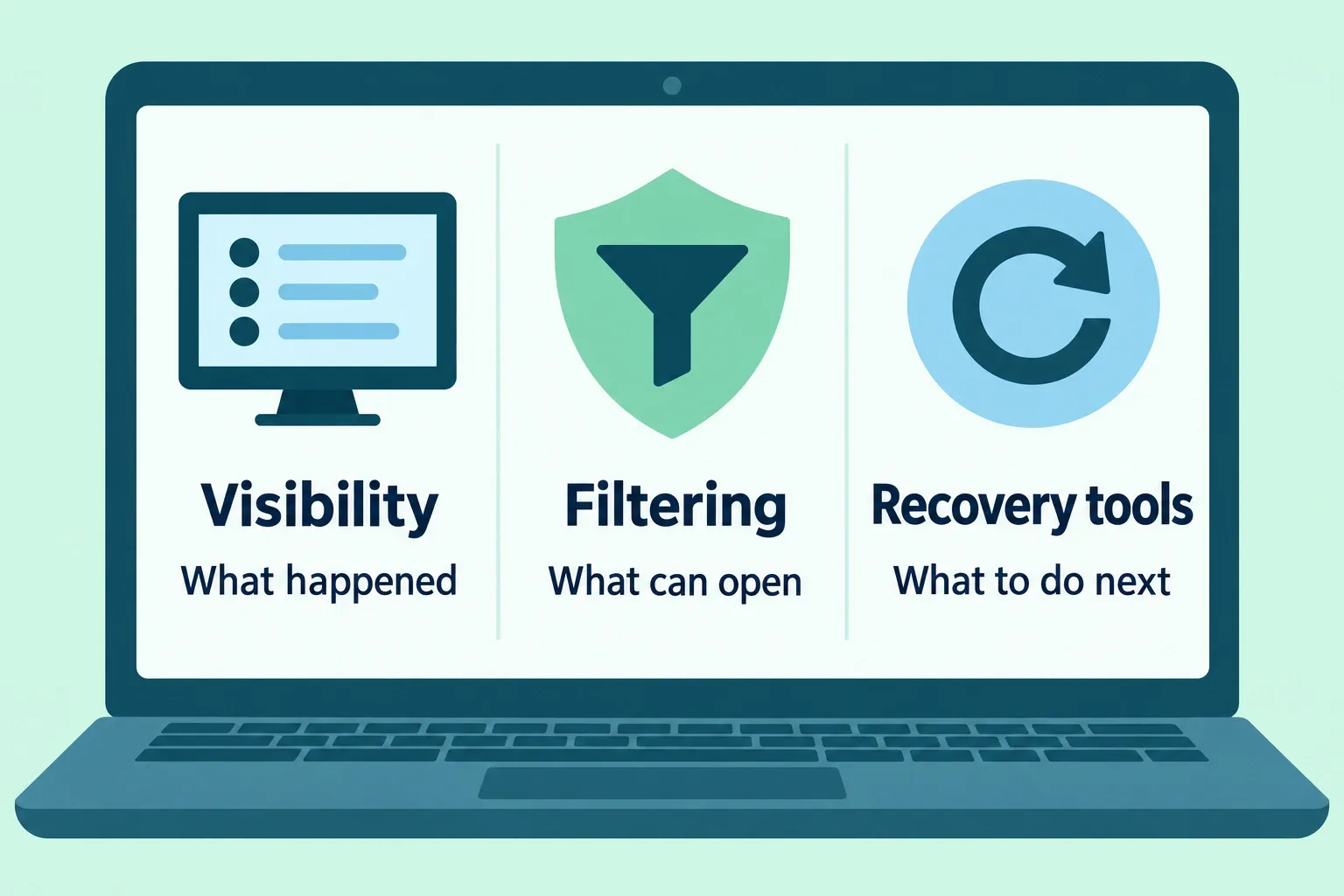
Most of these do one job well, so the setup that tends to work is one tool for access and one person for secrecy:
- A blocker on the device you use most at night: Canopy, a free DNS filter, Covenant Eyes’ own blocking, or Obex.
- One person who hears from you every day, through Accountable2You or Covenant Eyes if you want them to see your activity, or through Obex if you want a partner and a community to check in with.
Whatever you pick, it only works if that person looks at it and talks to you. A quick check-in every day, even one text, plus a longer conversation once a week, is what keeps it from turning into reports nobody reads. Why accountability works better than white-knuckling goes into why, and how to quit porn addiction covers the parts no app does for you.
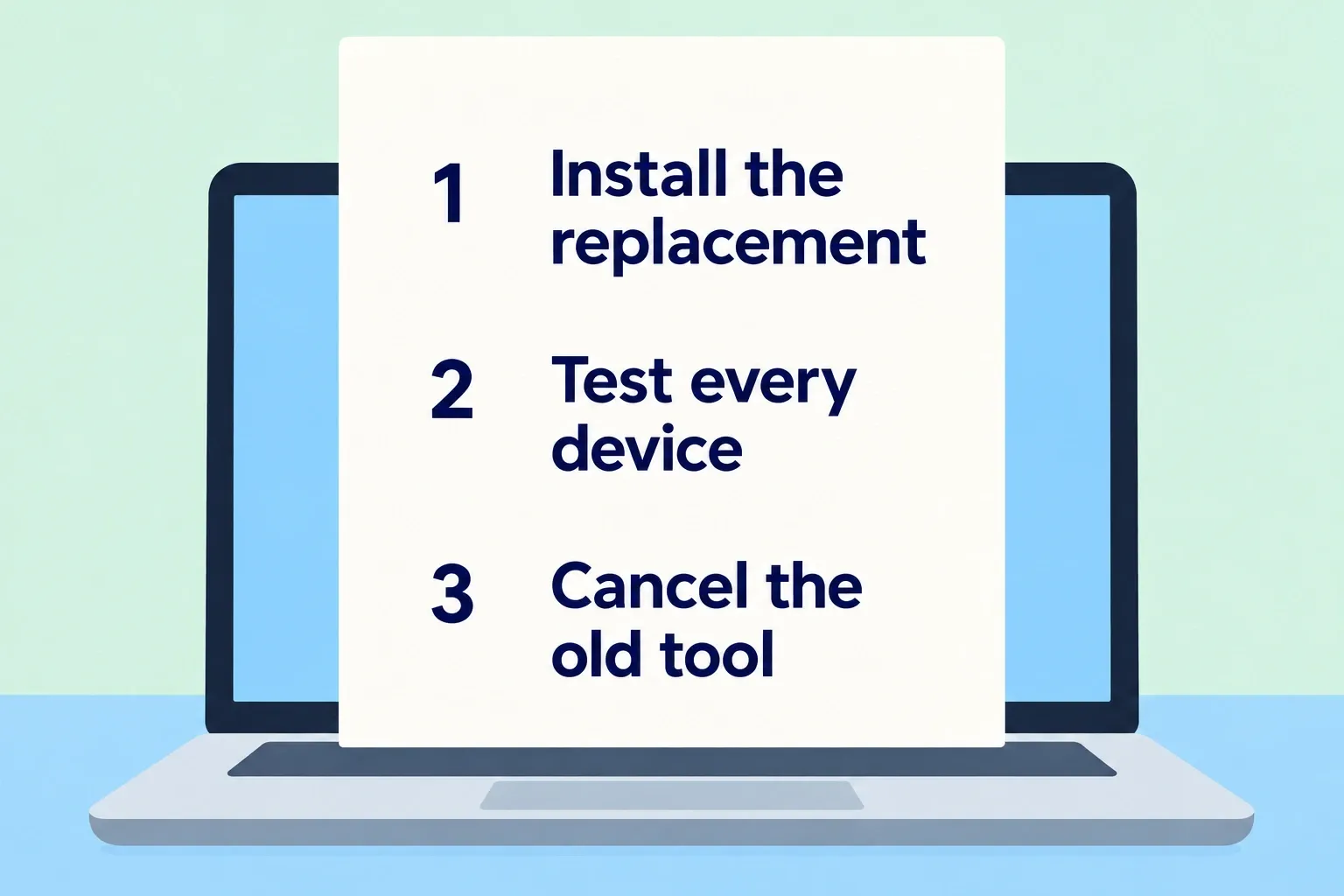
Set up whatever replaces Covenant Eyes before you cancel it, so there’s never a stretch of days with nothing installed.
If the problem with Covenant Eyes was that nobody was really reading the reports, Obex gives you a Christian community and an accountability partner to check in with every day, with blocking and Panic Mode for the moments in between.