YouTube Video Blocker That Actually Works in 2026
Need a reliable YouTube video blocker? Learn step-by-step methods for browsers, mobile, and network-level blocking that still work for recovery and focus.

Obex
Obex Team
You open YouTube for one useful video. Ten minutes later, you’re deep in recommendations you never meant to watch. If you’re trying to protect your focus, reduce compulsive use, or avoid explicit triggers, that spiral feels familiar.
A lot of people search for a YouTube video blocker hoping for a simple fix. Install an extension. Hide a few channels. Turn on Restricted Mode. Problem solved.
That used to work better than it does now. It doesn’t work well enough anymore.
Table of Contents
- Why Simple YouTube Blockers Are Failing You
- First Line of Defense Browser and Mobile Blocking
- For Total Control Use Network-Level Blocking
- A Dedicated Blocker for Recovery Focused Control
- Beyond Blockers Accountability and Relapse Prevention
- Common Questions About Blocking YouTube
Why Simple YouTube Blockers Are Failing You
The hardest part isn’t lack of discipline. It’s the environment.
YouTube’s home feed, Shorts, autoplay, and recommendations continuously present another choice. That makes filtering harder than blocking one known page or channel.
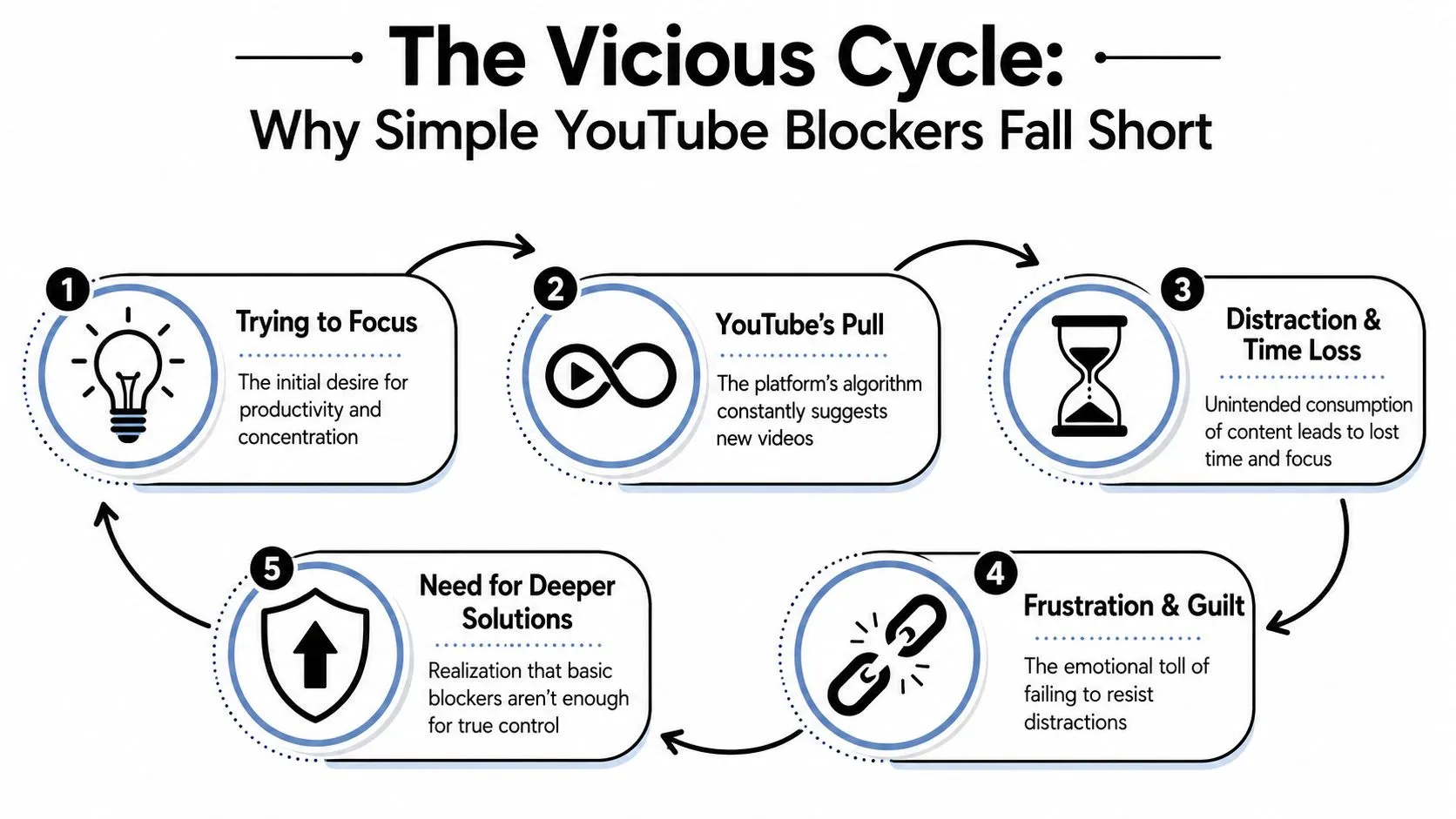
That changes the whole blocking problem. A basic extension usually works by hiding a page element, filtering a title, or blocking a known channel. But YouTube keeps feeding new thumbnails, new recommendations, and new variations of the same content.
The platform changed faster than most blockers
A few years ago, browser tools felt like enough. Now they often break, lag behind, or get bypassed by design changes.
YouTube has also tightened the screws on blocker-style tools. Recent reporting on its anti-ad-blocker push shows the platform has been closing loopholes and, in some cases, blocking playback unless users disable the blocker or allowlist YouTube, as described in Tom’s Hardware coverage of the crackdown.
That matters even if your goal isn’t ad blocking. The same hostile environment affects channel filters and page-hiding extensions too.
Practical rule: If a blocker depends on a browser loophole, assume it can stop working without warning.
Simple blocking tools miss how people actually relapse
A lot of searches for a YouTube video blocker come from people trying to avoid specific triggers. Not the whole internet. Not even all of YouTube. Just certain channels, themes, Shorts, or recommendation paths.
That sounds simple. It isn’t.
Browser-based blockers can still filter titles, IDs, tags, and descriptions. But blocking one channel or keyword cannot catch reuploads, renamed videos, similar channels, or layout changes, so treat an extension as a convenience layer rather than guaranteed enforcement.
That’s why the old pattern fails so often:
- You block one channel. Similar channels still appear.
- You block one keyword. Creators rename content.
- You hide one page element. YouTube changes the layout.
- You rely on willpower. The feed keeps testing your weak spots.
A working setup in 2026 usually needs layers. One layer for quick access blocking. Another for device control. Another for home network control. And for recovery, often one more layer for accountability.
First Line of Defense Browser and Mobile Blocking
You open YouTube to check one thing. Twenty minutes later, you’re in Shorts, recommendations, or a channel you already tried to avoid last week. That is the primary job of this first layer. Reduce friction fast, cut off the obvious triggers, and make impulsive access less convenient.
What browser blockers still do well
Browser tools still have a place, especially on a personal laptop where the problem is specific and visible. If Shorts pull you in, if a handful of channels keep resurfacing, or if the homepage itself is the trigger, an extension can clean up the screen quickly.
Use them as a front-line filter, but make sure they are only one layer in the setup.
They work best for:
- Reducing visual triggers: Hide the home feed, sidebar suggestions, comments, or autoplay paths.
- Blocking repeat problem channels: Filter channel names, titles, and some keyword patterns.
- Limiting content types: Some tools target Shorts, Live, Premieres, or age-restricted content more precisely than YouTube’s own settings.
- Separating contexts: A work-only browser profile with tighter rules often helps more than trying to white-knuckle the same browser you use for everything else.
The trade-off is simple. Browser blockers are convenient, but they are weak at enforcement. Updates break them. Different browsers bypass them. Private windows, profile switching, or a few minutes of rationalizing can undo the whole setup.
Restricted Mode is a built-in filter for potentially mature content, but YouTube says it works at the browser or device level and must be enabled for each browser profile. It is not a custom channel blocker, and a user who controls the account can normally turn it off. See YouTube’s official Restricted Mode instructions. If you are also cleaning up Safari on Apple devices, use these safe search settings for Safari.
How to block YouTube on iPhone and Android
On iPhone, Screen Time is usually the strongest built-in option. It is not perfect, but it is much harder to bypass than a browser extension.
On current iOS versions, go to Settings > Screen Time > Content & Privacy Restrictions > App Store, Media, Web & Games > Web Content. Choose Limit Adult Websites, then add youtube.com under Never Allow, following Apple’s official instructions. You can also restrict app installation and remove the YouTube app.
To make that block hold up in real life, set it up like this:
-
Turn on Content & Privacy Restrictions
Without this, the rest of the settings are too easy to change. -
Add YouTube to Never Allow
This cuts off normal access through Safari and other browsers. -
Disable app installation
Reinstalling the app is one of the first bypasses people try. -
Put the Screen Time passcode with someone else
In recovery situations, self-managed passcodes fail all the time. Delayed access beats willpower.
Android controls vary by device. Digital Wellbeing can limit time, while a supervised child account can use Family Link to block or limit the YouTube app. Google’s current path is Family Link > select the child > Screen time > Time limits > App limits (Google’s official Family Link instructions). These controls are designed for supervised child accounts; adults who manage their own device may need a dedicated blocker or network rule.
Here is the practical comparison:
| Method | Best for | Main weakness |
|---|---|---|
| Browser extension | Fast filtering on one computer | Easy to bypass or break |
| iPhone Screen Time | Strong app and web blocking on one device | Fails if you control the passcode |
| Android app limits | Reducing use and adding friction | Settings vary too much between devices |
This layer matters because it handles the moments where relapse usually starts. It just does not solve the whole problem by itself.
For Total Control Use Network-Level Blocking
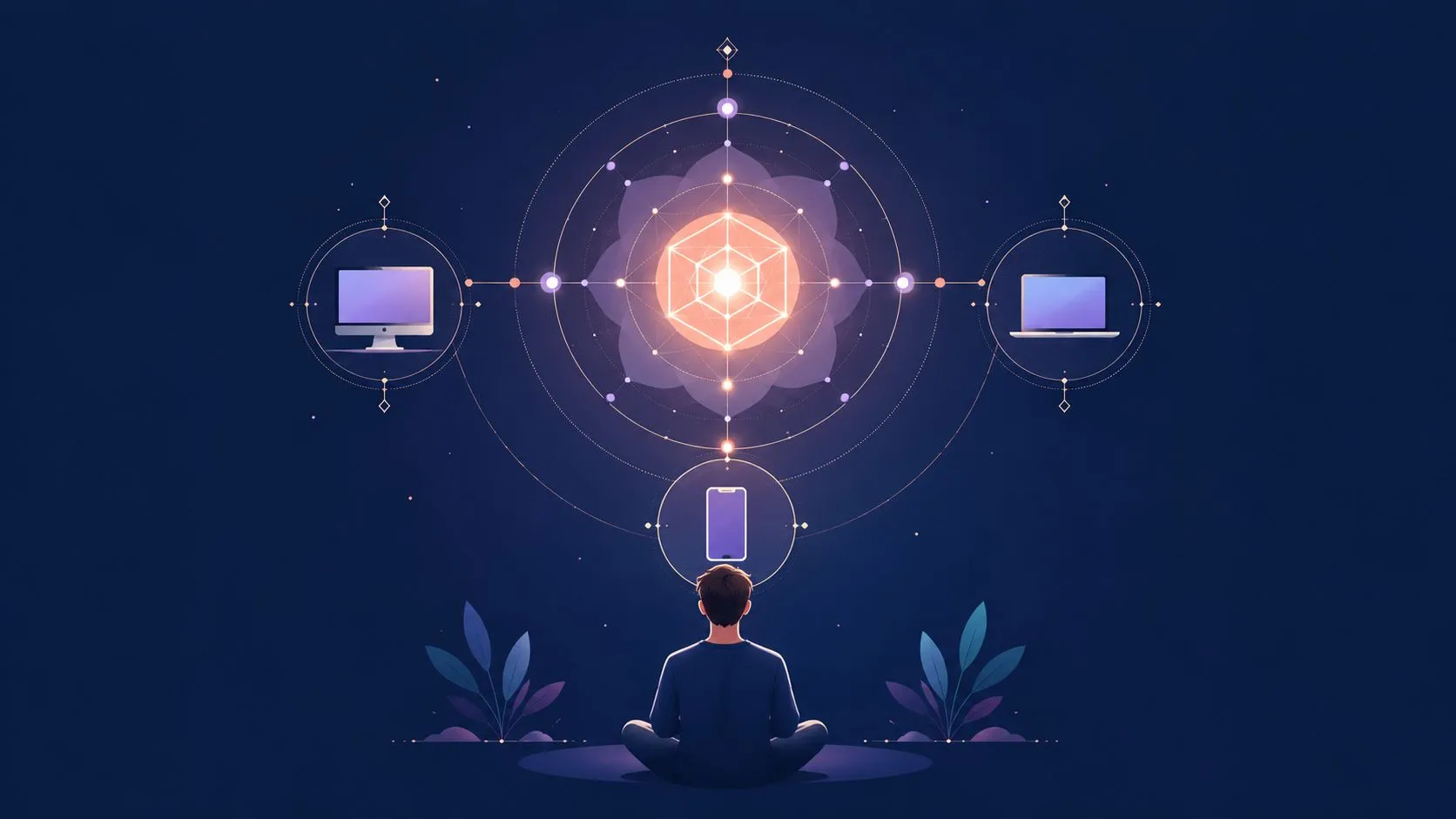
A common failure point looks like this: You block YouTube on a laptop, then it shows up on the phone. You lock down the phone, then someone switches to mobile data, a TV app, or a different browser. If the rule needs to hold across a household, browser-level fixes stop being enough. Put the block at the network level and every device has to play by the same rules.
Router and DNS blocking for the whole home
Start with the router if your goal is broad control with less device-by-device maintenance. Many home routers now include parental controls, domain blocking, device profiles, and schedules. Done well, this gives you one place to manage the rule instead of repeating the same setup on every phone, tablet, laptop, and smart TV.
This approach is useful for a few specific jobs:
- Whole-site blocking: Cut off YouTube across the home network.
- Time windows: Allow access only during chosen hours.
- Shared rules: Apply the same standard to multiple devices.
- Basic bypass resistance: Changing browsers does not help if the network itself blocks the destination.
DNS filtering can be cleaner than the built-in controls on cheaper routers. It is often easier to maintain, especially if your router interface is clumsy. The trade-off is that DNS-based blocking is still only one layer. It can fail if someone changes DNS settings locally, uses mobile data, or connects on another network.
If you are setting up a more locked-down Apple environment alongside network controls, this guide to parental controls for Mac pairs well with a network-first setup.
When you need firewall-level control
For stricter environments, use a firewall instead of relying only on consumer router settings.
YouTube traffic is harder to filter than many people expect. App traffic, encrypted sessions, and protocol choices can let requests slip past simple domain blocks. Palo Alto Networks describes a more technically sound method in their firewall configuration guide for allowing or blocking YouTube, using a custom URL category, SSL decryption, and explicit blocking of QUIC. The same guide notes that if QUIC is left enabled, filtering can fail in ways that still allow access.
That detail matters in real setups. If you need YouTube blocked in a way that survives browser changes, app changes, and new devices joining the network, protocol-level handling matters more than one more extension or app setting.
The downside is obvious. Firewall-level control takes more work to configure, test, and maintain. You need admin access. You may need hardware that supports the features properly. You also need to decide how strict to be, because aggressive filtering can break legitimate video access for school, work, or shared household use.
For people who are serious about regaining control, that trade-off is usually worth it. Network-level blocking does not depend on YouTube continuing to tolerate browser extensions. It gives you a stronger base layer, especially when the underlying problem is repeated bypass on multiple devices.
A Dedicated Blocker for Recovery Focused Control
People trying to cut down on distractions need one kind of blocker. People trying to avoid relapse need another.
Those are not the same problem.
Why recovery needs stronger architecture
For recovery, the weak point is often not access to all of YouTube. It’s access to a narrow band of content that the person already knows how to find.
That’s where browser-level hiding starts to fall apart. YouTube’s native channel blocking is limited to supervised child and YouTube Kids experiences; it does not provide a universal personal-account channel filter. OS-level or network-level controls can add stronger friction when a browser extension is too easy to disable.
That matters because recovery usually requires all of these at once:
- selective blocking
- resistance to easy bypass
- a password or accountability layer
- less dependence on one browser
- stable behavior after site updates
A casual extension rarely gives you that mix.
What to look for in a serious blocker
If your goal is recovery-focused control, don’t shop by feature count alone. Shop by where the tool sits and how hard it is to disable.
A better setup usually includes:
| Feature | Why it matters |
|---|---|
| OS-level blocking | It doesn’t depend on one browser extension surviving site changes |
| Password protection | It adds pause between urge and action |
| Scheduling | It lets you allow legitimate use without giving open access all day |
| Category or keyword filtering | It helps when the problem is narrower than full-site blocking |
| Accountability handoff | Another person can control settings you shouldn’t control alone |
The strongest tools create friction in the exact moment you usually act fast. That’s the point.
One more warning: YouTube says Block channel for kids appears only with a linked parent account, applies to the selected supervised or YouTube Kids profile, and does not block reuploads or similar channels. See YouTube’s official channel-blocking documentation.
If you’re comparing software for accountability, this review of a Covenant Eyes alternative is worth reading alongside your blocker research.
Beyond Blockers Accountability and Relapse Prevention
A blocker changes access. It doesn’t change the part of you that still wants a loophole.
That isn’t failure. It’s just reality. If you’re using a YouTube video blocker because certain videos pull you back into compulsive behavior, then technology should carry only part of the load.
Use friction on purpose
Many users think a blocker failed when they still feel tempted. That’s the wrong standard.
A blocker succeeds when it adds enough delay, enough inconvenience, and enough visibility that you can make a different choice. Friction is the feature.
Some of the most effective moves are low-tech:
- Let someone else hold the password: That stops late-night self-bargaining.
- Block at your worst times: Evenings, travel, and isolation often matter more than daytime.
- Remove private browsing paths: A strong system closes the “just this once” route.
- Define allowed use ahead of time: Work tutorial? Fine. Endless feed browsing? No.
Build support around the blocker
Accountability works best when it’s specific. Not vague check-ins. Not “doing better lately.” Specific rules, specific triggers, specific review.
Try a simple rhythm:
-
Name your risk patterns Write down when YouTube becomes a problem. Time of day, device, emotional state, and type of content.
-
Choose one accountability person A trusted friend, spouse, mentor, pastor, or recovery partner is enough if they’re consistent.
-
Set one review point each week Ask: Did the blocker hold? Where did I look for loopholes? What needs tightening?
-
Use non-digital support too Walks, prayer, journaling, exercise, and getting out of isolation all help.
For people in a broader healing process, not just a tech setup problem, this resource on the journey of recovery gives helpful context on how lasting change usually happens over time, not all at once.
If your recovery is faith-informed, build that in directly. Pray before the usual trigger window. Keep Scripture where you’d normally reach for your phone. Stay connected to people who won’t shame you and also won’t help you rationalize.
A blocker can interrupt access. Community helps rebuild desire, habits, and honesty.
Common Questions About Blocking YouTube
Can I block only YouTube Shorts
Yes, in some setups.
A few blockers can target parts of YouTube instead of shutting down the whole site. That matters if Shorts are the trigger but long-form tutorials are not. YouTube’s own Restricted Mode is too easy to reverse for anyone who has access to the account or device, so it is a weak choice for accountability.
If Shorts are the problem, choose a blocker that filters by content type, not just by site or channel. If that option is not available on your device, the better move is often broader blocking during high-risk hours instead of relying on YouTube’s built-in controls.
What if I need YouTube for work or school
Use controlled access.
Simple extensions commonly fail at this point. They block too much, then you disable them because you need one lecture, one tutorial, or one meeting replay. A better setup keeps access narrow and time-bound so one legitimate use does not turn into an hour of scrolling.
Practical options include:
- Scheduled access: Allow YouTube only during work or class hours.
- Network allow rules: Permit access only on approved devices or only at certain times.
- Specific-video access: Some managed firewall setups can allow a needed link while blocking general browsing.
- Separate environment: Use a work browser, school profile, or supervised device for approved viewing only.
The goal is simple. Keep the useful part. Block the spiral around it.
Does a blocker slow down my internet
Sometimes.
Browser-based blockers usually affect the page you open more than the whole connection. Network filters, DNS tools, and firewall inspection can add more friction because they check more of your traffic. In practice, many people barely notice DNS-level blocking, while heavier inspection on a home router or work network can feel slower.
The trade-off is control versus convenience. Stronger filtering usually takes more setup and can create more friction.
Can I block specific channels natively in YouTube
Not very well.
YouTube gives limited ways to hide or reduce certain content, but it does not offer the kind of channel-by-channel control many adults expect. If your problem is a repeat pattern with certain creators, recommendation loops, or niche content categories, you will usually need a third-party tool or device-level restriction to enforce that boundary.
That is one reason basic YouTube blockers disappoint people. They promise precision, but many rely on browser behavior that changes often or breaks under platform updates.
What’s the best setup for relapse prevention
Use layers.
A single extension is easy to remove, bypass, or outlast. The setups that hold up better usually combine browser and computer blocking, device-use limits, network-level blocking, and one form of outside accountability. That combination creates enough friction to interrupt the impulse and enough structure to help you recover when motivation drops.
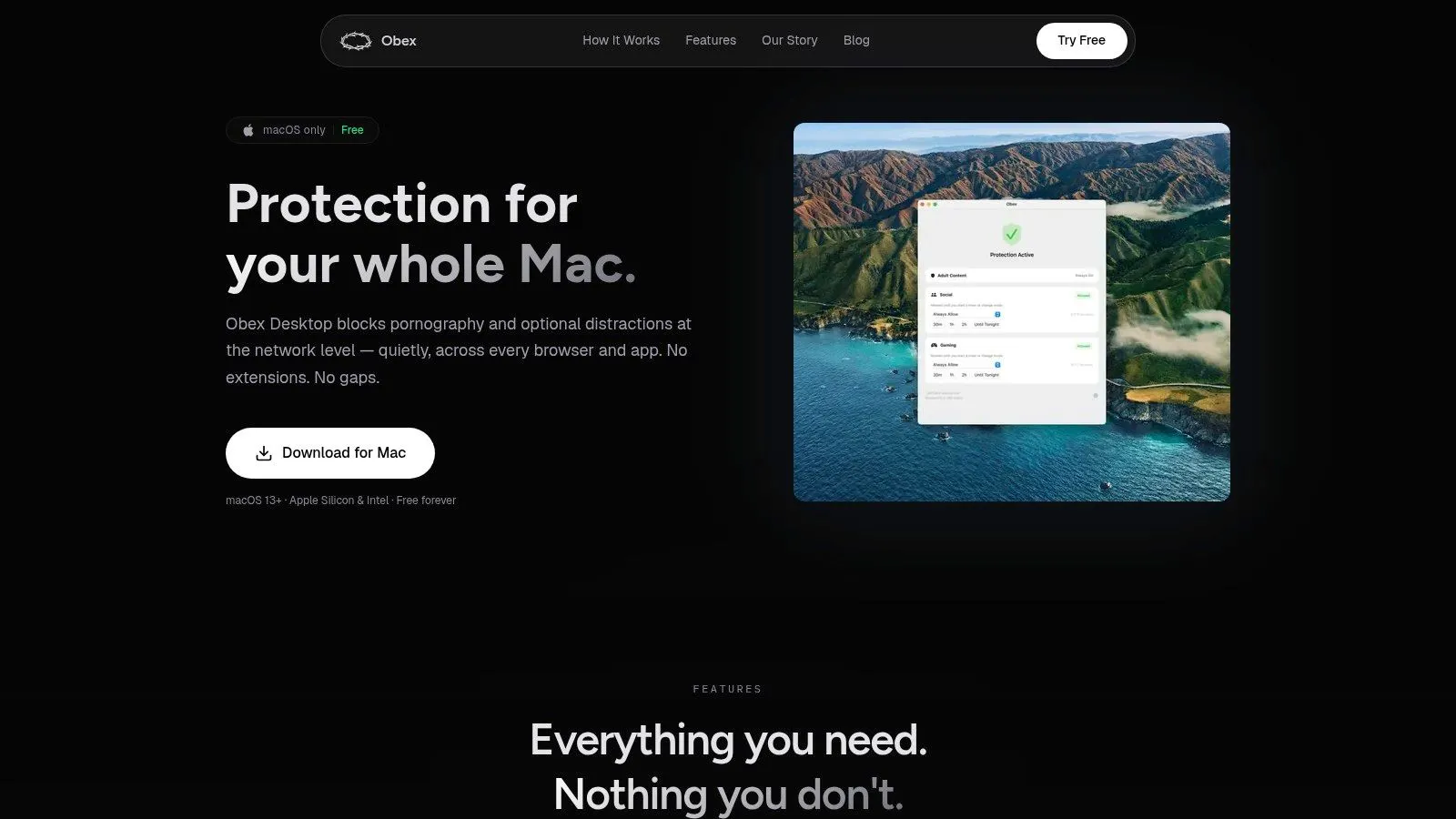
If YouTube has become part of a deeper compulsive pattern, Obex is built for recovery and self-control, not just generic filtering. It combines practical blocking with accountability and structure, which is often what people need after simple extensions stop working.